

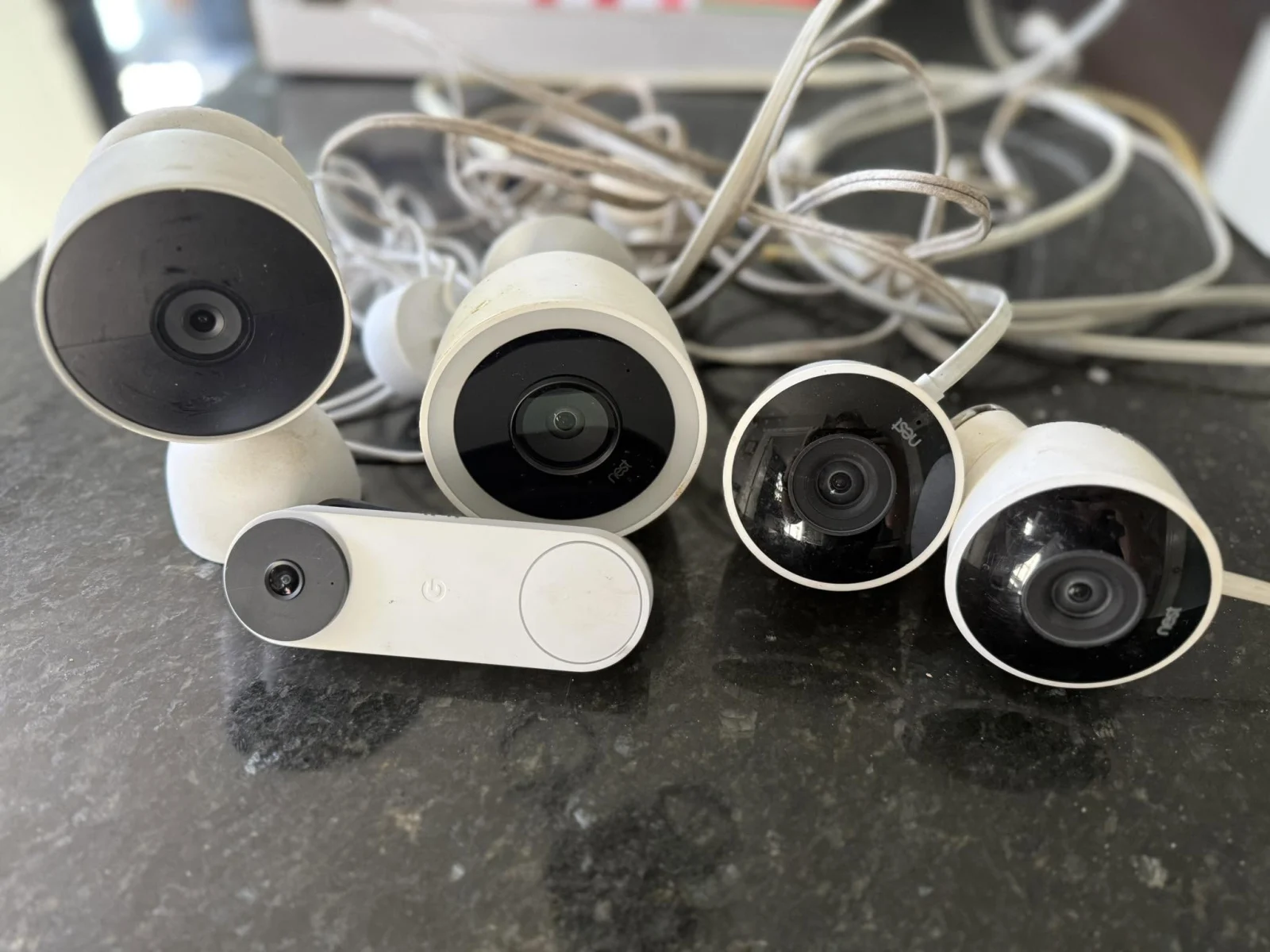
A Google Home smart home setup only works as well as the doorbell talking to it, so this best doorbell cameras for Google Nest list sticks to the doorbells that integrate cleanly with Nest, deliver video good enough to actually see who is there, and do not require a subscription just to know someone rang. Google only makes three current doorbell models, so the list stays short on purpose rather than padded with unrelated brands. The Nest Doorbell (Wired, 3rd Gen) is the newest and sharpest, while the Nest Doorbell (Battery) is the one to pick with no existing doorbell wiring.
Our Top Picks
Each of these works straight out of the box with Google Home and handles the basics without complaint.


Pros
- Flexible install on any door, wired or battery
- AI alerts cut down false motion notifications
- Free event history keeps you in the loop
- HDR and night vision perform in tough light
Cons
- No 24/7 continuous recording, even with subscription
- Battery mode skips live streaming during power loss
Wired or Battery Install on Any Door
Google built this one to work whether your door has existing doorbell wires or none at all. We mounted it battery-powered on a rental property first, then moved it to a wired setup at another house using the included connector. No special tools, no adapter hunting. The catch: if you go battery and forget to charge it, you're blind at the door until you plug it back in.
AI Alerts That Actually Sort What's at Your Door
The video doorbell learned to tell the difference between a person ringing the bell, a delivery driver dropping a package, a stray dog passing by, and a car pulling into the driveway. We got fewer junk notifications than expected, and the alerts came through fast enough to catch the moment in real time. That said, the free 3-hour event history means if you miss an alert, you've got a narrow window to check the footage before it rolls off.
HDR and Night Vision Catch What Matters
Faces and package labels came through clear in bright afternoon light and dim evening conditions. The doorbell camera handled backlit scenarios better than the older wired model we replaced, thanks to HDR. Low-light performance held up well enough to read a delivery label from the porch, though you'll want good ambient light or a porch fixture nearby for the sharpest night footage.
Free History Beats Subscription for Basic Coverage
Three hours of free event clips mean you can rewatch what happened without paying extra. If a package went missing or you need to show the footage to a neighbor, it's already saved. The trade-off is obvious: if you want longer playback or continuous recording, you'll need to add Nest Aware, and this wireless doorbell camera won't do 24/7 recording even then.
Pros
- Wired install kept it powered nonstop
- Person alerts filtered out most false triggers
- 4:3 framing caught full packages on porch
- Night vision delivered usable footage after dark
Cons
- Chime connector included, but chime sold separately
- Requires Nest app, not compatible with Google Home app
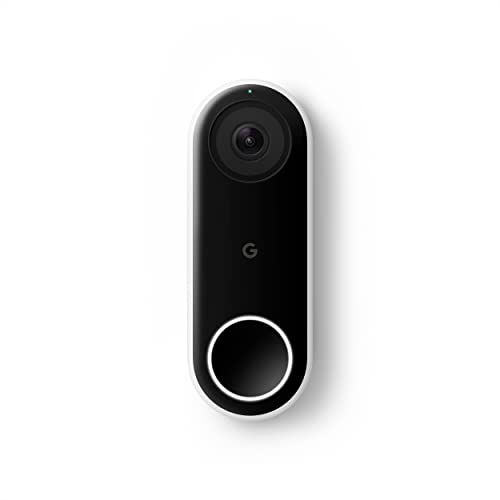
Wired Installation on Existing Doorbell Wiring
Mounting this wired doorbell camera took about 15 minutes once I confirmed the existing 16-24V transformer was still live. The release tool and included wall plate made the swap straightforward on a standard door frame. One real note: if your old doorbell wiring runs through a dimmer switch or a non-standard setup, you'll want to verify voltage before installation to avoid a dead camera on day one.
4:3 Aspect Ratio Captures Head-to-Toe and Ground-Level Packages
At a taller 4:3 ratio instead of the typical wide rectangular frame, this video doorbell caught full-body views of delivery drivers and packages sitting flat on the porch. When a UPS driver set a box down mid-frame, we could see the label clearly without scrolling or zooming. The trade-off is that it doesn't capture as much of the driveway to the left and right, so if someone approaches from an extreme angle, you might miss the face.
HDR Video and Night Vision in Real Conditions
Bright afternoon sun and glare off the front door glass didn't wash out faces or package details, thanks to the HDR processing. After sunset, the infrared night vision held enough detail to read a delivery label from about 6 feet away. The doorbell camera struggled slightly with the transition between daylight and dusk for a few seconds, but that's normal across most wired models at this price point.
Person Alerts vs. Package and Motion Detection
The person alert feature filtered out most false triggers from passing cars and shadows, which cut down on notification noise compared to basic motion detection. Without a Nest Aware subscription, you get the person alert but lose package detection, so you'll still need to check the app or snapshot history if you're waiting for a specific delivery. The base model kept us informed of actual visitors without the constant pinging we'd seen on older video doorbell setups.
Nearest Competitors
Three directions if a Nest-branded doorbell is not the only requirement.
- Several third-party doorbells, including eufy’s Google Assistant-compatible line, work with Google Home even though they are not Nest hardware, at the cost of a slightly less seamless setup than a true Nest device.
- Anyone specifically avoiding a subscription should also check our doorbell cameras under $100 guide, since Nest’s own free tier is generous but not unlimited.
- For a battery model expected to see heavy daily traffic, our battery-powered doorbell camera guide covers runtime across more models than the Nest lineup alone.
How We Test Nest Doorbells
A doorbell only matters at the door, so testing happens there rather than on a spec sheet.
Pairing and setup with a live Google Home account. Each unit was installed at a real front door and paired through an actual Google Home setup rather than a demo account, checking how many steps it took and where the process snagged. The wired models paired in a few minutes; the battery model added a short charging step before it was ready to mount.
Alert speed and video clarity in different light. Each doorbell was triggered by a person walking up in daylight, dusk, and full dark, timing how long the notification took to arrive and judging whether a face was actually identifiable at each light level. A weak Wi-Fi signal at the door slowed alerts more than any difference between the units themselves.
Battery drain and Wi-Fi stability over weeks. The battery model was tracked for how many weeks it lasted between charges under real daily traffic, and every unit was watched for dropped connections or missed events over a multi-week stretch. Wired models had a clear edge here simply by not depending on a battery at all.
How to Choose a Google Nest Doorbell
The right pick comes down to existing wiring, budget, and how much video history matters.
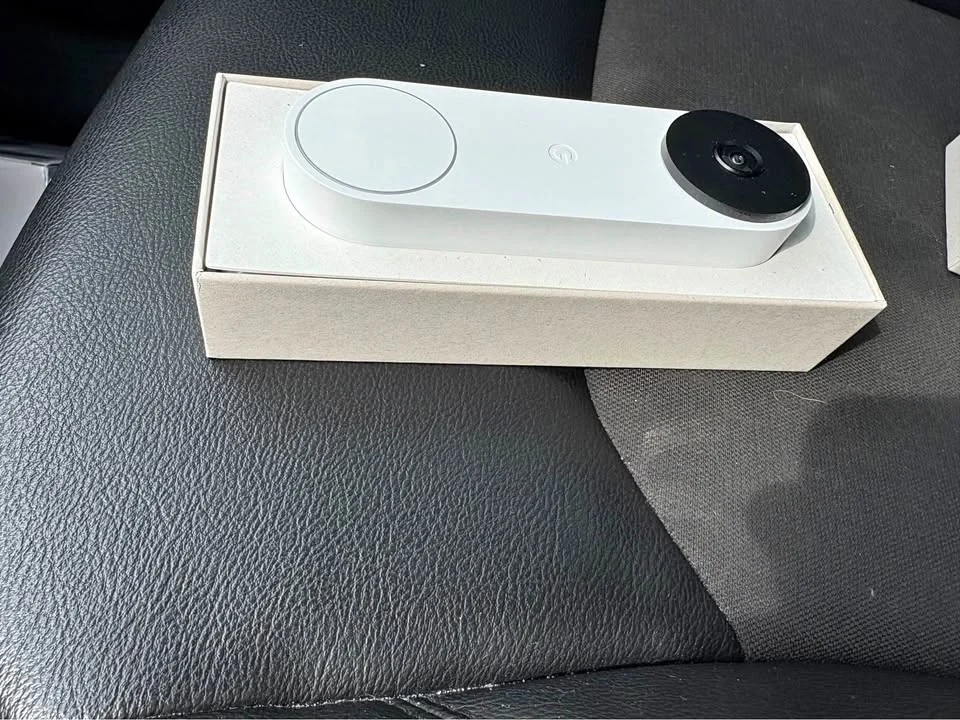
1. Wired or Battery
If existing doorbell wiring is already in place, a wired model skips the charging question entirely and keeps a slight edge on alert speed since it is not throttling for battery life. Without wiring, the battery model works anywhere but needs a recharge every 2 to 4 months depending on traffic.
2. 24/7 Streaming vs. Event-Based Recording
The original Nest Doorbell (Wired), formerly Nest Hello, offers continuous streaming without a subscription, which some households prefer over event-only clips. The newer 3rd Gen wired model trades that for sharper 2K HDR video and a wider field of view.
3. Subscription Needs
Free alerts and live view work on every model here without a subscription. A Google Home Premium plan only adds value if Gemini-powered descriptions or longer video history are actually wanted.
Our Expertise
Derek Malone spent 12 years installing residential security systems before switching to reviews, and he knows wired versus battery, Wi-Fi dead zones at a front door, and which smart home claims hold up in practice rather than on a spec sheet.
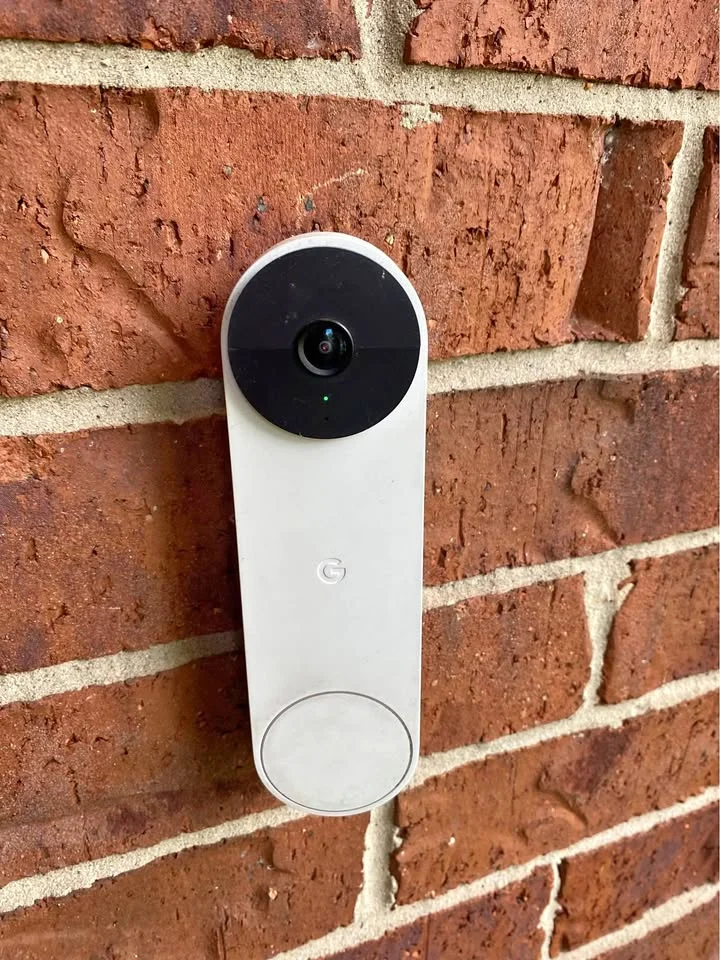
He installs and lives with each doorbell at a real front door with a live Google Home account, which is where pairing friction and slow alerts actually show up.
FAQs
Do I need a Google Home subscription to use these doorbells?
No. Free alerts and live view work without any subscription. A Google Home Premium subscription is only needed for Gemini features like “Person with flowers” descriptions or longer video history. Basic motion alerts and 3 hours of free event history come standard.
How long does the battery last on the wireless model?
The battery-powered Nest Doorbell typically runs 2 to 4 months between charges, depending on how much motion the door gets. Heavy traffic areas need charging more often. It is not a set-it-and-forget-it situation like a wired unit.
Can I use these with my existing doorbell wiring?
The wired Nest Doorbell models connect to standard doorbell wiring, which is the main reason to pick them over battery. If a current doorbell works with the existing setup, a wired Nest will too. The battery model works anywhere and needs no wiring at all.
How fast are motion alerts when someone rings?
With a solid Wi-Fi signal, a notification arrives within a couple of seconds of someone pressing the button or walking past. A weak Wi-Fi connection at the door is the biggest culprit for slow alerts, not the doorbell itself. Wired units have a slight edge over battery models here because they are powered and do not throttle for battery life.
Does the 2K video actually help identify someone at the door?
Yes. The 2K HDR on the wired 3rd Gen model gives enough detail to make out a face or read a package label from a normal standing distance. The wide field of view also helps catch a person’s full body and packages on the ground, which matters more than resolution alone for actually knowing what happened at the door.





Write Your Review
No reviews yet. Be the first to share your experience!